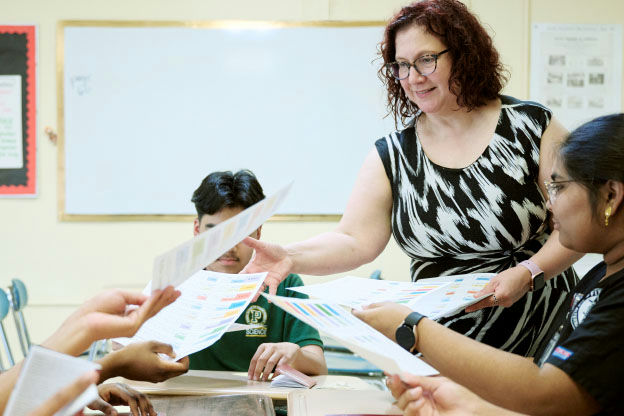
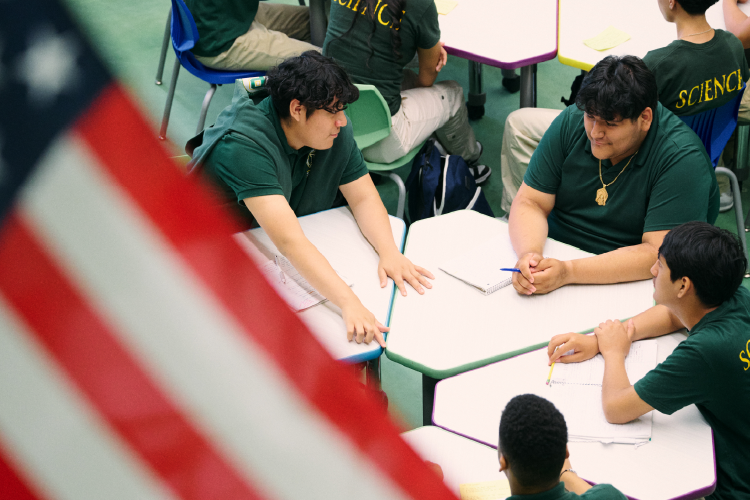
Our grab-and-go standards-aligned resources engage students with complex concepts in ways they can understand and relate to. To get started, we recommend exploring our planning and integration tools, resource types, and teaching ideas to find everything you need to inspire your students to be knowledgeable, curious, and civically engaged. We look forward to being a part of your classroom!
Our Scope & Sequence documents are your guide to implementing iCivics resources in your classroom. Use it to build a comprehensive curriculum or supplement your existing pacing guide with targeted, high-quality resources.
Fill any gap
Instantly find the perfect game, lesson, or activity aligned to your learning objectives.
Plan with ease
See all available resources organized by topic, making unit planning simple and fast.
Access instantly
Every resource is hyperlinked, putting everything you need just a click away.
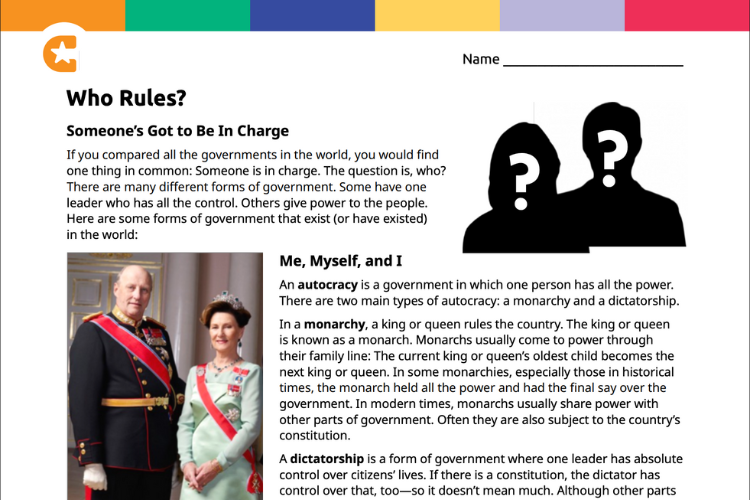
Build civic knowledge with ready-to-use lesson plans that consist of readings and activities. Each lesson plan offers a teacher’s guide that outlines the learning objectives, timing, and step-by-step instructions.
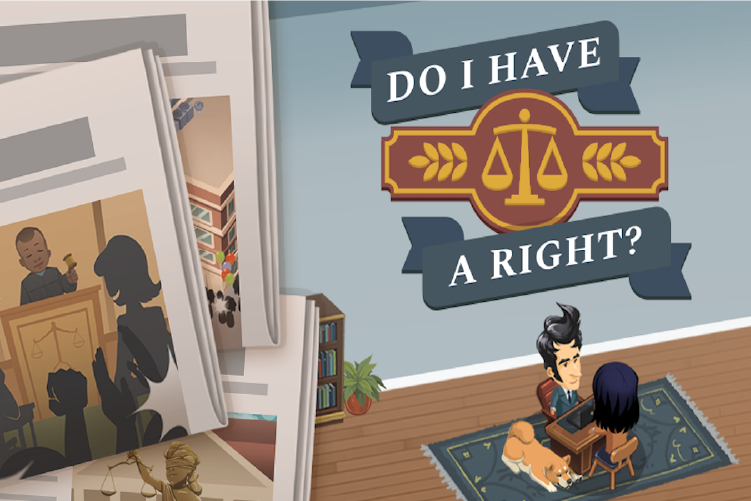
Ignite student engagement with games that make learning come alive. Made with our magic formula, our games don’t require prior knowledge and can be completed in one class period. All games can be played in a variety of settings: 1-to-1, small groups, or whole class.
Introduce students to people and processes they need to know with short, purposeful videos. These videos can be embedded into lesson plans at any point to introduce a topic, start a discussion, or create a launchpad for research.
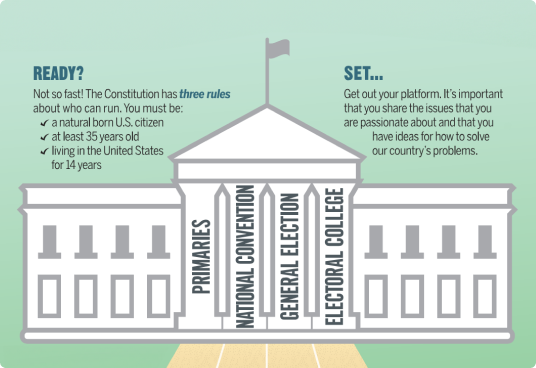
Improve visual literacy skills and simplify complex civics concepts with logical, memorable, and interesting infographics. Infographics provide structure and design to concepts and help students see the big picture.
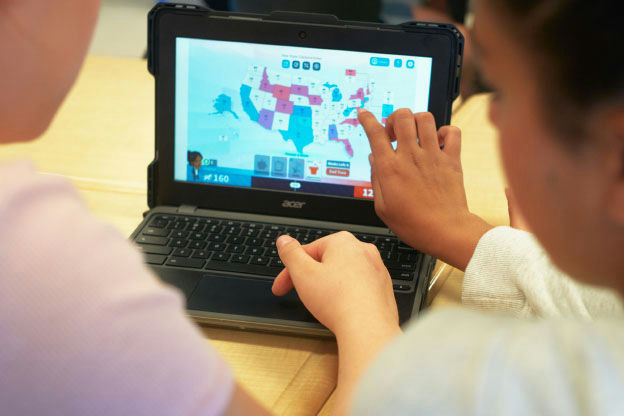
Engage students with simulations that bring civics to life through media-rich, whole-class, collaborative experiences. Simulations, implemented across 1–2 class periods, use technology to facilitate student interaction, group work, and engagement.
Develop skills for in-depth analysis and inquiry with DBQuest, a learning tool that challenges students to dig into primary sources. DBQuest uses document-based questioning to guide students in primary source analysis.
Equip students to sort through and find online information with WebQuests. These carefully curated, inquiry-based activities break down a topic, offer resource links, and ask questions that help students make connections and infer.
Simplify planning with topically organized curriculum units. Each standards-aligned unit offers a comprehensive study of a topic through a variety of lessons, games, and activities and can be used just like a chapter or unit of a textbook.
With iCivics, you can focus on implementation, not development. Everything is off the shelf and ready to use, so you can take what you find here today and bring it into your classroom tomorrow. Our resources create an engaging space for learning.
Spanish & EL/ML Supports
Explore which resources are available with Spanish-language versions and English-language learning supports.